Entire Unity Project
A downloadable asset pack
https://drive.google.com/file/d/1DgbO544EnhgMUoTPVbxY5s1zZ8MVB2KD/view?usp=drive...
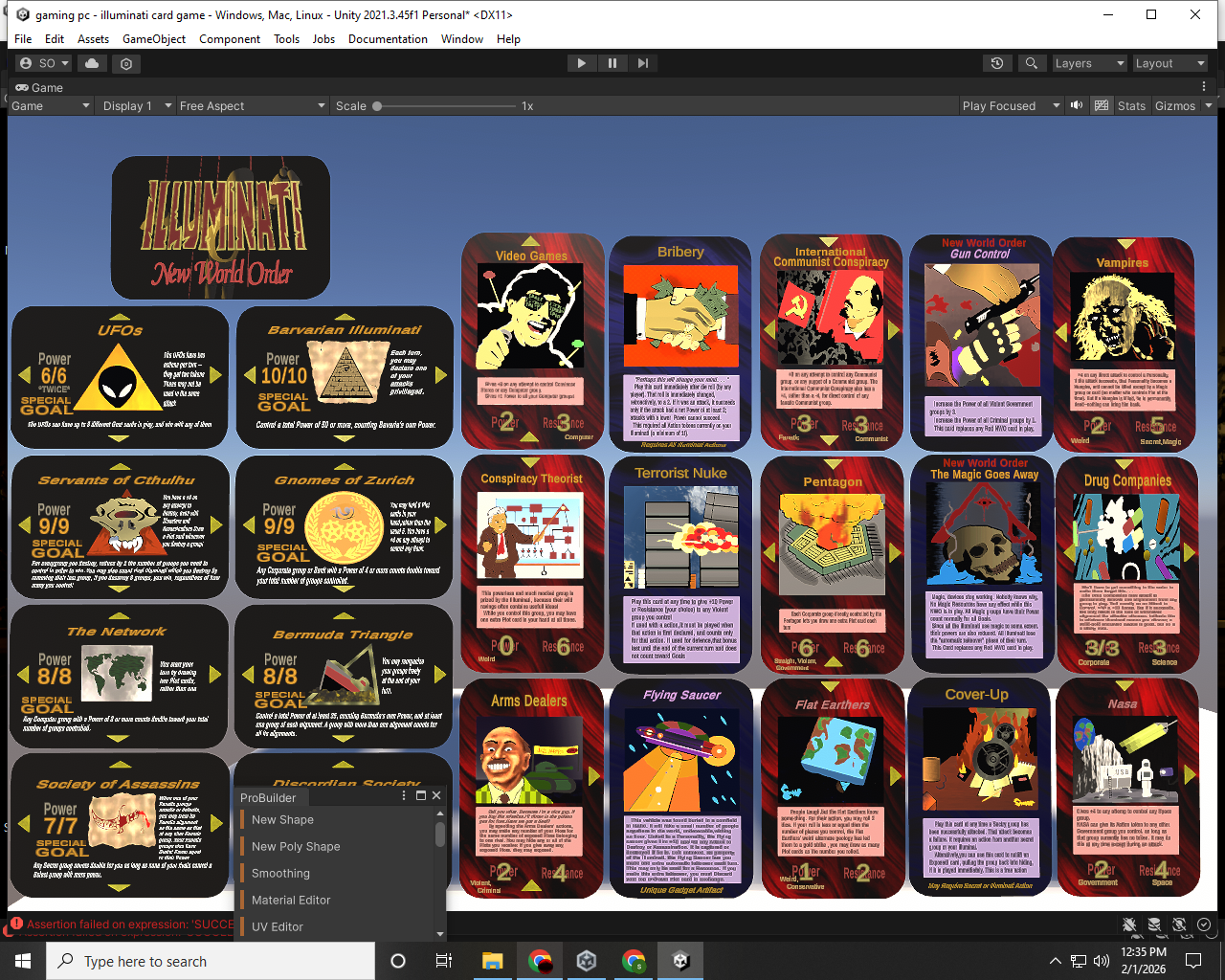
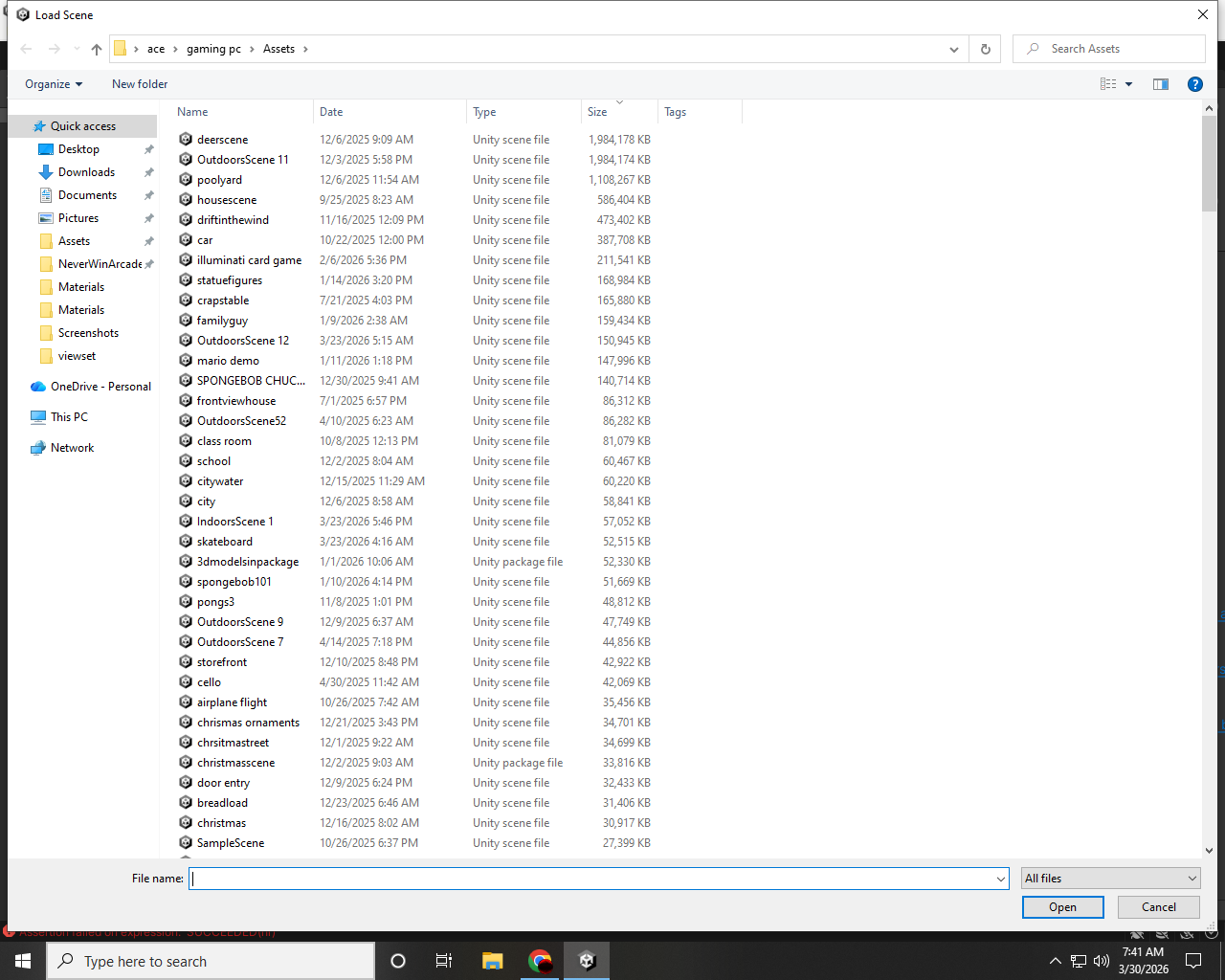
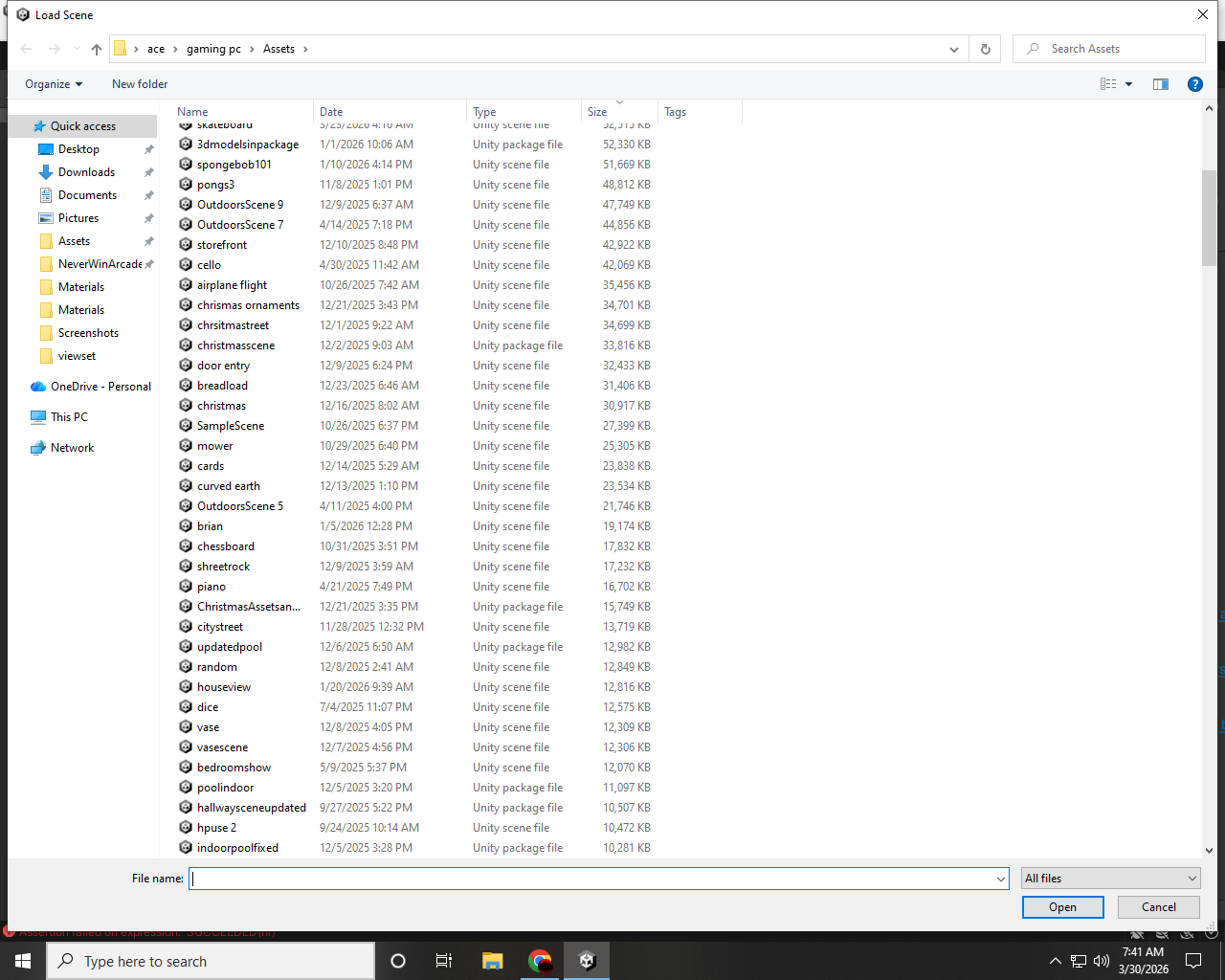
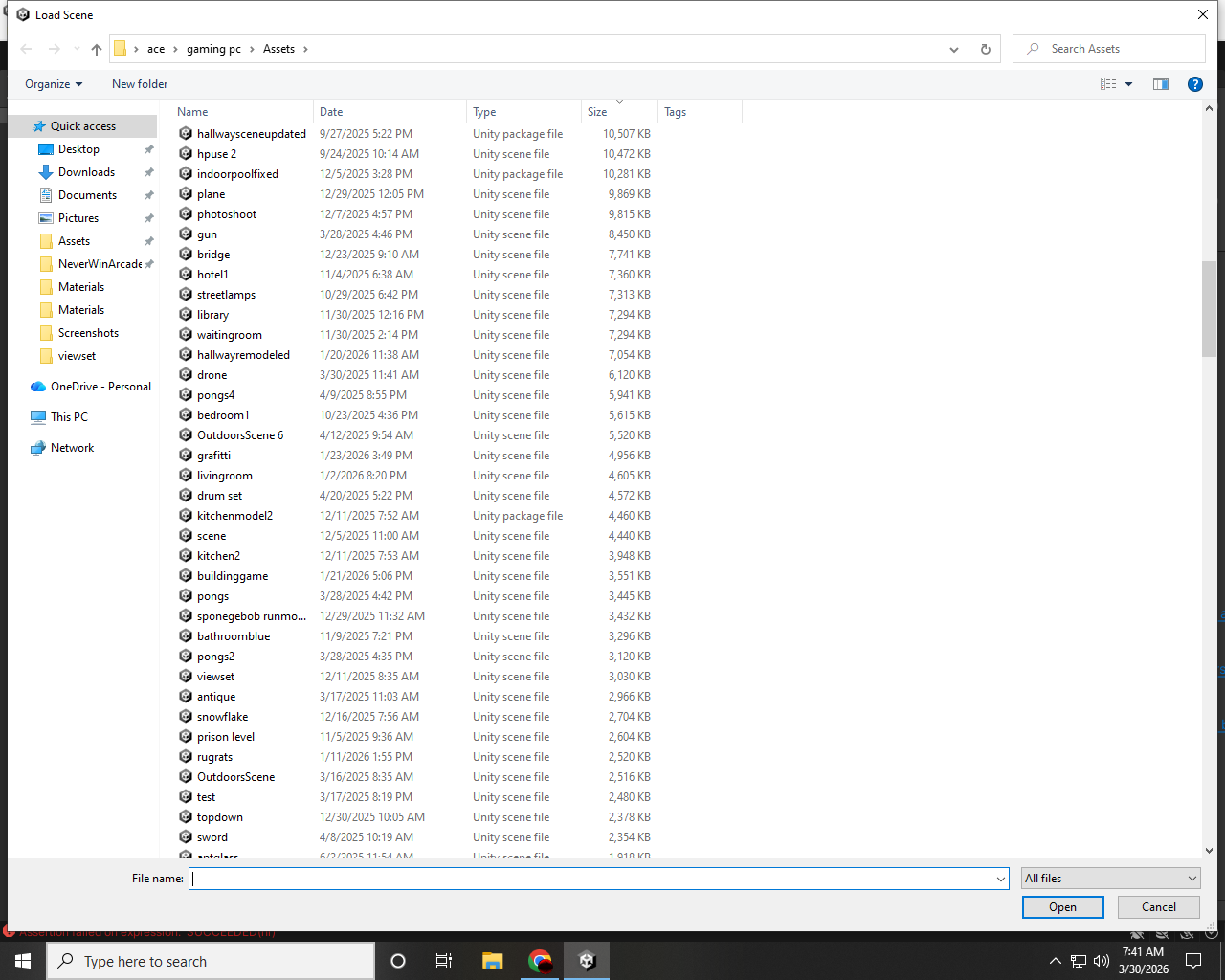
- Physics-based game demos (pool, betting, dice mechanics)
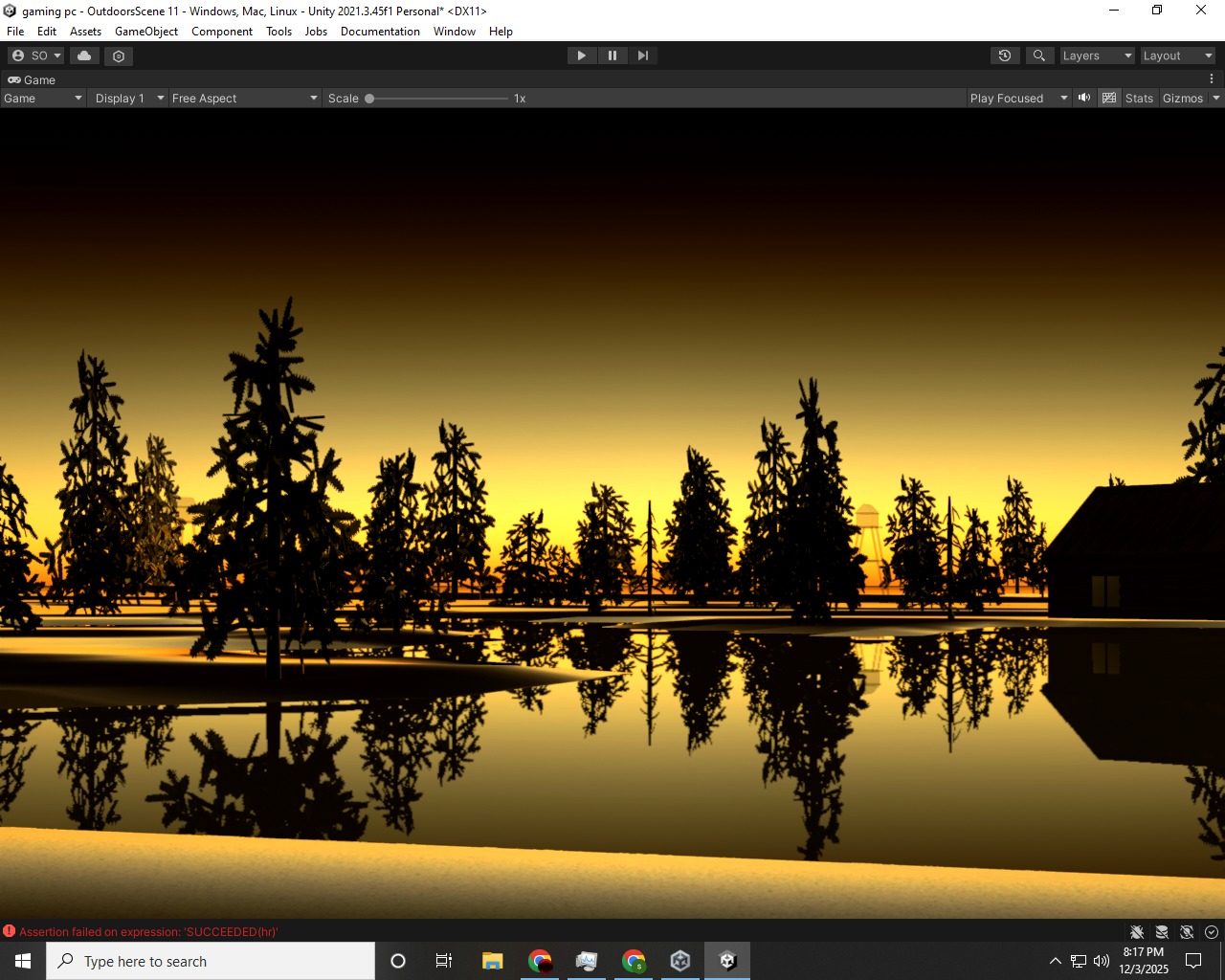
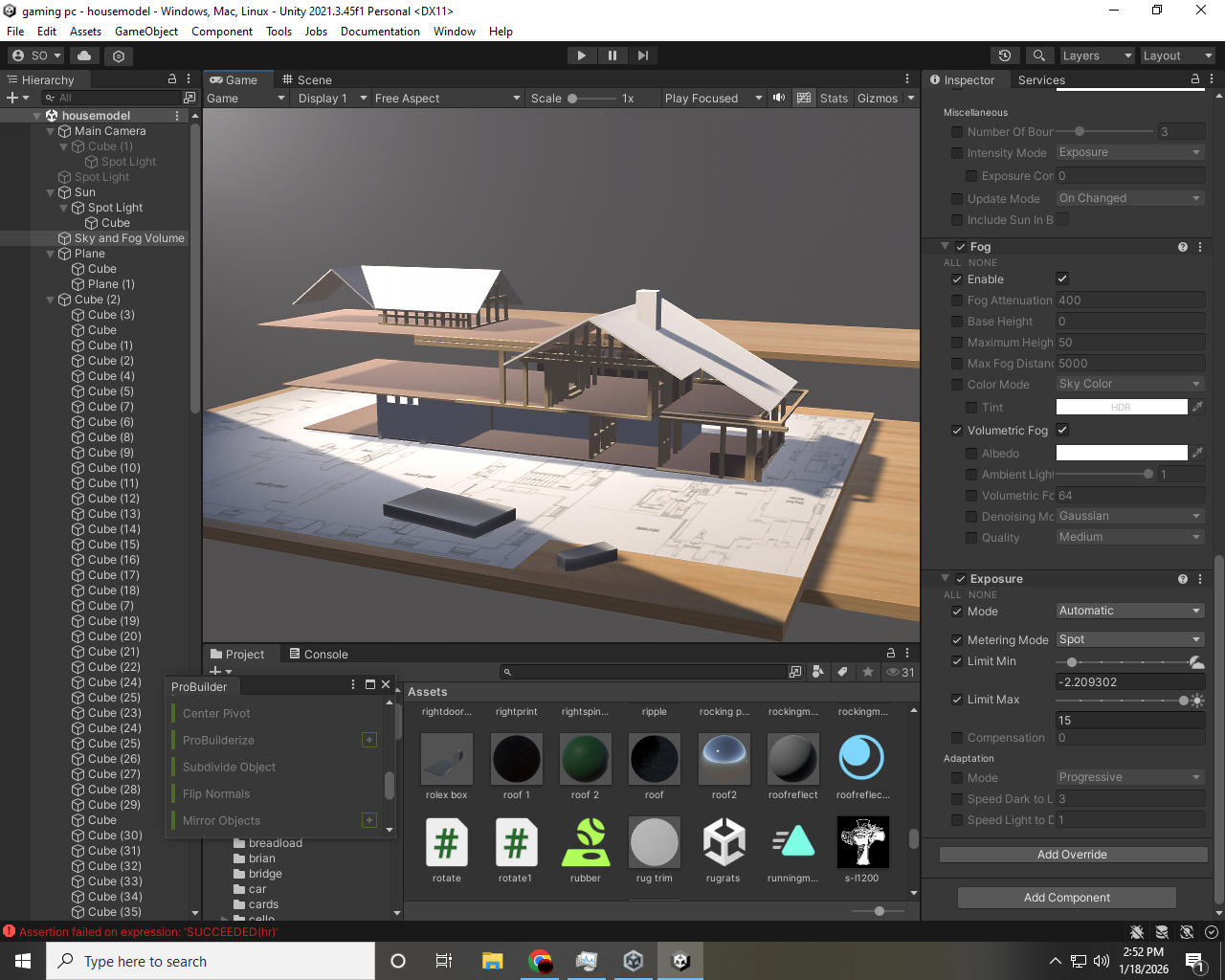
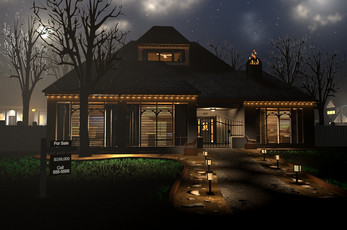
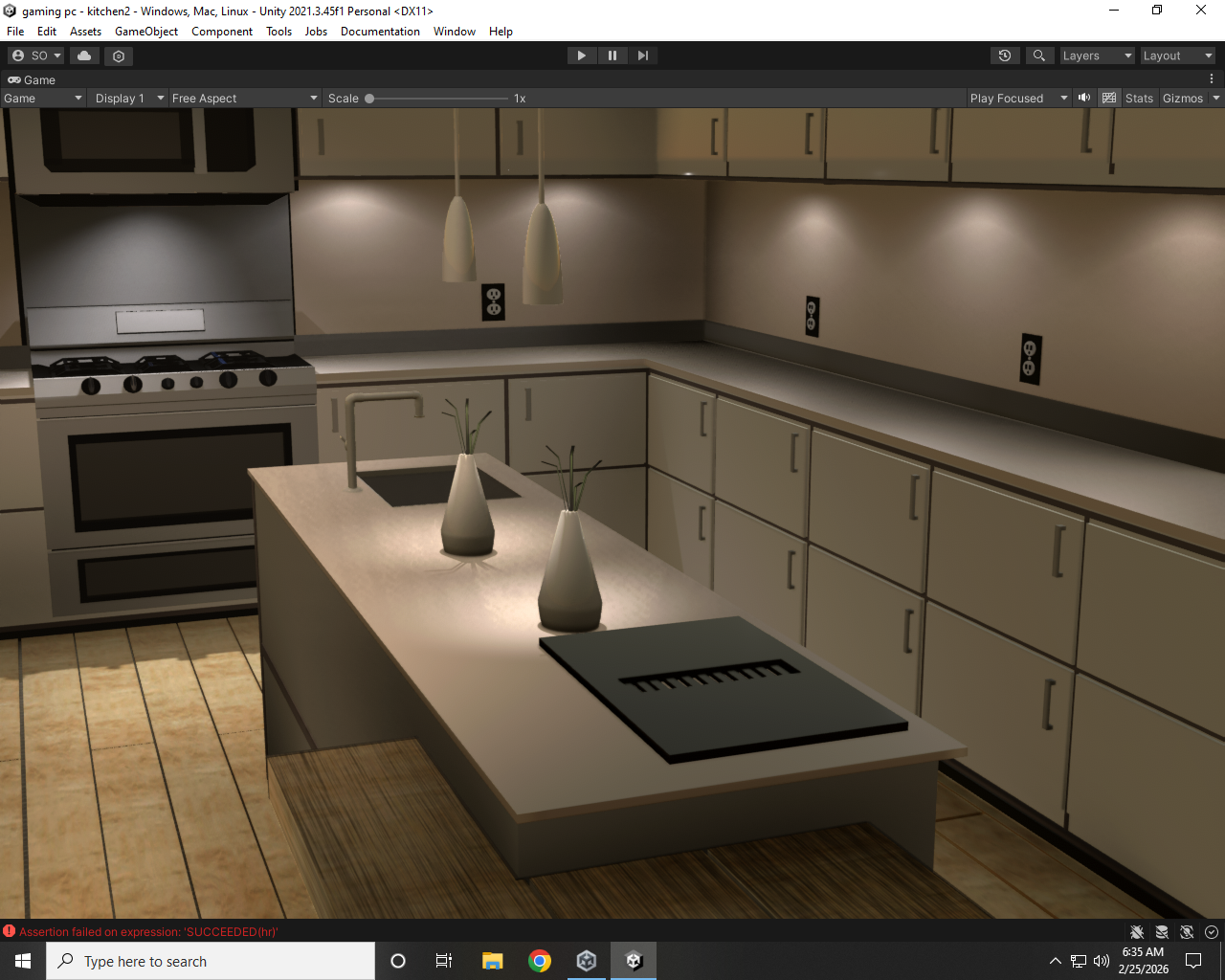
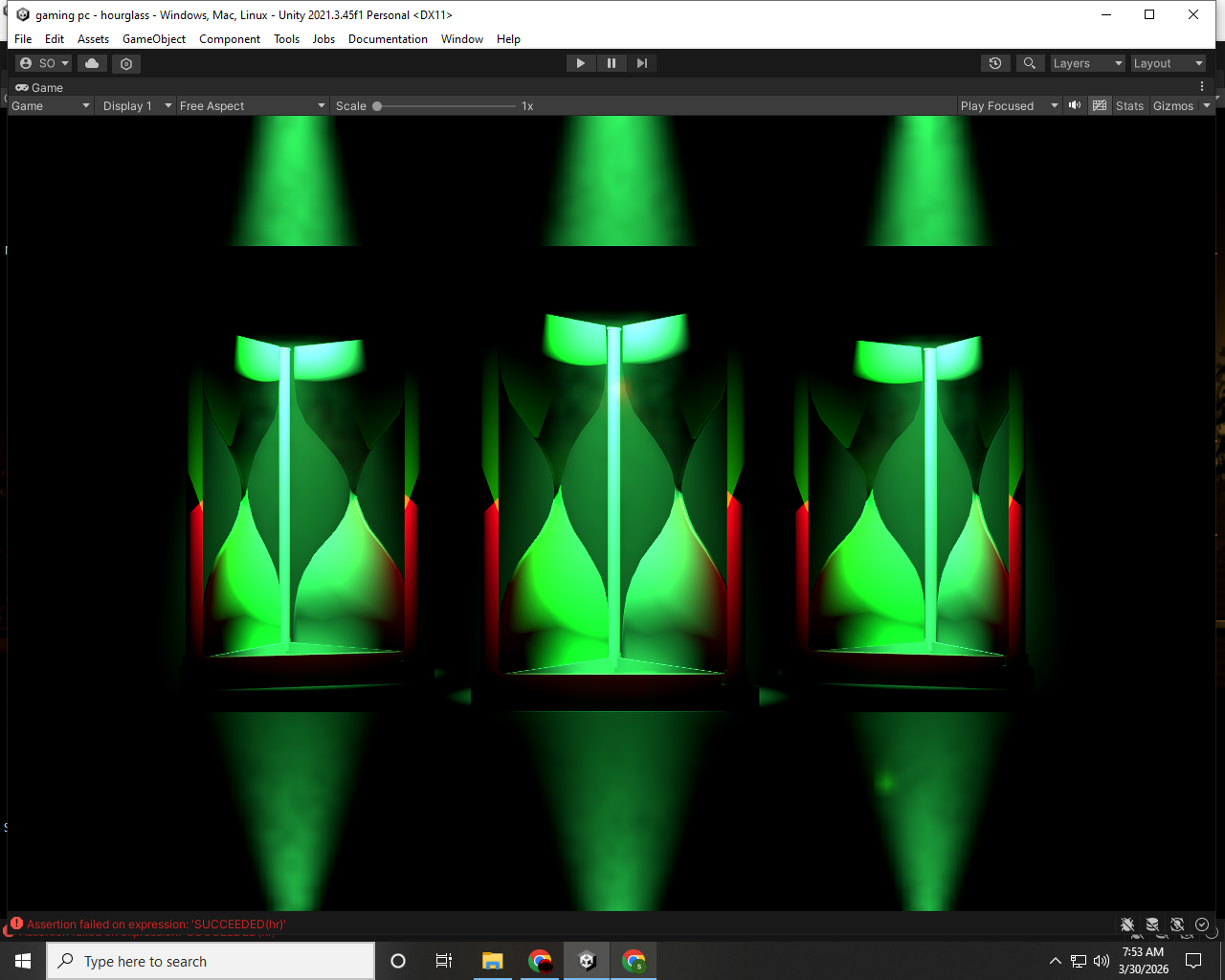
- Handcrafted environments, scenery, and walking simulations
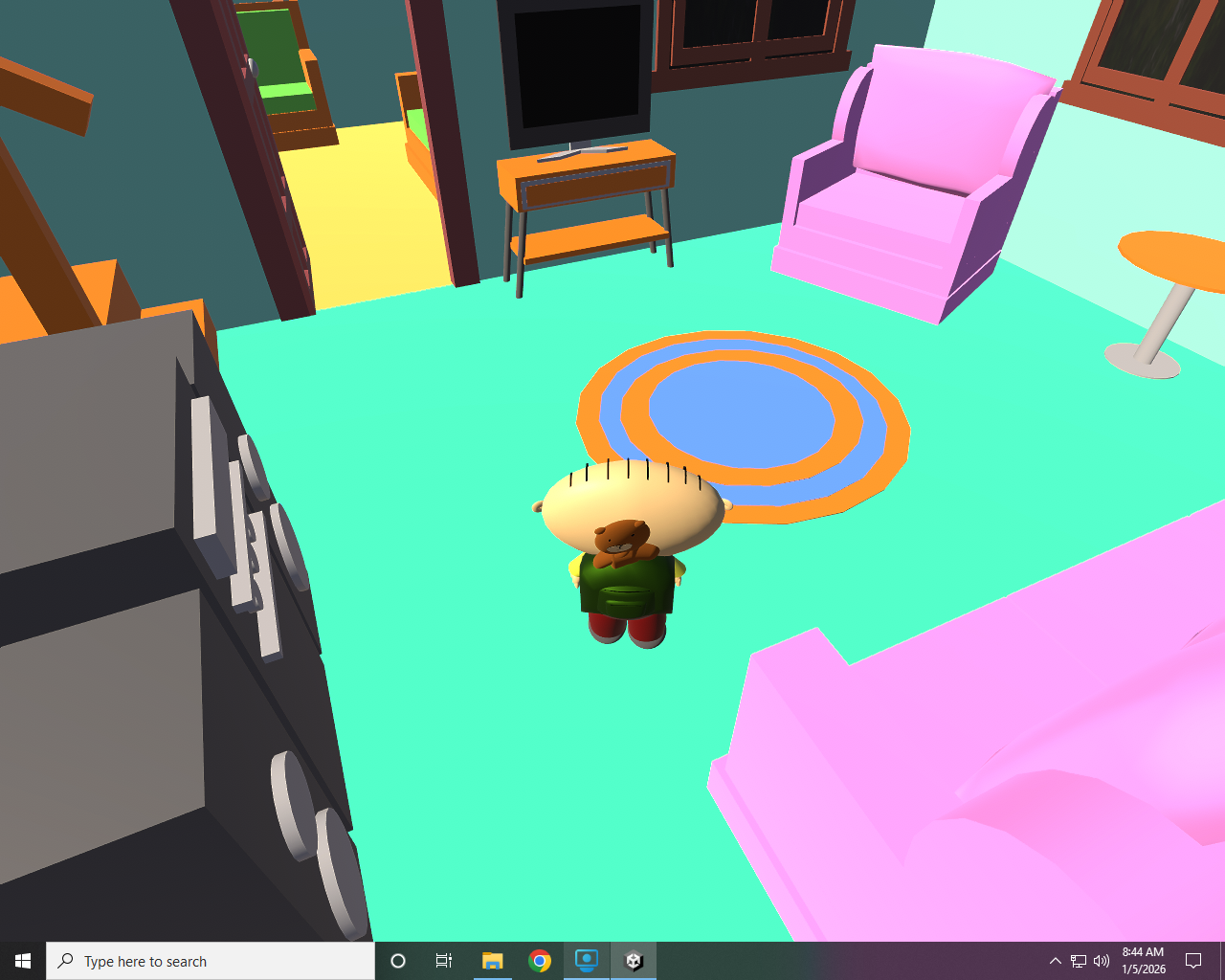
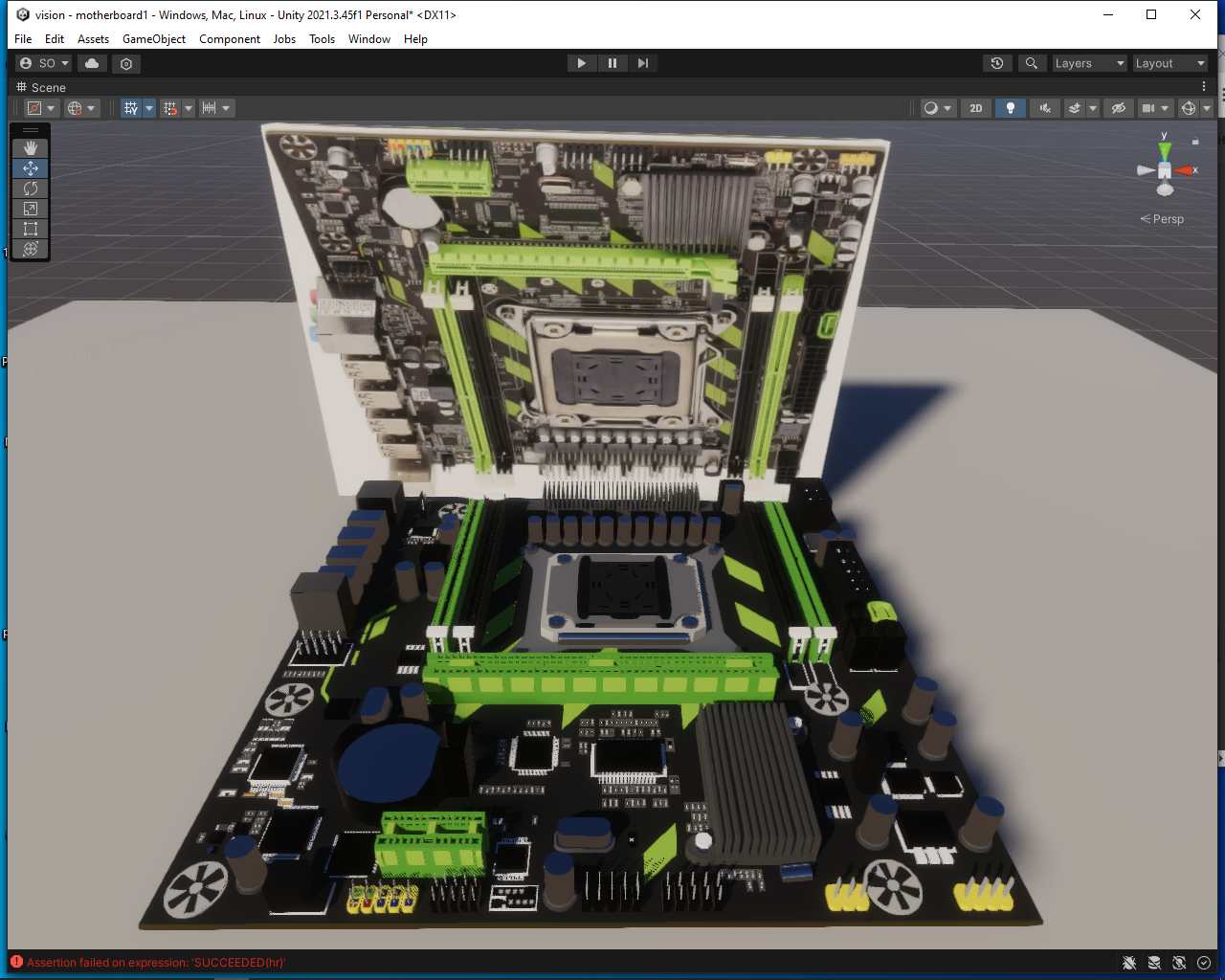
- Various models
- Unity developers looking for a starting point
- Learning how systems and scenes are structured
- Modifying, experimenting, and expanding projects
Yes, that is exactly how it works. Since you have backed up the core project folders to Google Drive, you can fully restore your project on a fresh Windows installation by following these steps:
- Download and Extract: Download your
.raror.zipfile from Google Drive to your new PC and extract it into a folder. - Install Unity Hub and Editor: Reinstall Unity Hub and the specific Unity Editor version you were using before.
- Add Project to Hub:
- Open Unity Hub.
- Click the Add or Open button.
- Select the folder you just extracted (the one containing the
Assets,Packages, andProjectSettingsfolders).
- Wait for Rebuild: When you open the project for the first time, Unity will notice the
Libraryfolder is missing and will automatically rebuild it. This might take a few minutes depending on the size of your project, but once it finishes, your game will be exactly as you left it.
should be able to install a new unity and move the files to the unity folder ,u might be able to pick out the files u want to add prolly
Comments
Log in with itch.io to leave a comment.
u would have to go through the scenes i made some are just scratch scenes some are demos some are scenery some are walking simulations...all hand made stuff from scratch except a few prefab people and cars, they take along time to hand make some things are not labeled correctly lol